
> Watch This video First!
How to place your order for high-quality custom transfers for t-shirts, hoodies, bags, caps, and more:
Step 1: Watch the Video Tutorial
Before placing your order, watch our quick video tutorial to learn how to use the DTF Gang Sheet Builder Tool:
https://www.youtube.com/watch?v=lGTieyO3Tds
Step 2: Proceed to the Order Page
Once you are familiar with the Gang Sheet Builder, visit the link below on our website below:
https://dmvflyerprinting.com/product/build-a-gang-sheet/
Step 3: Select Your Sheet Size
Choose the gang sheet size that best fits the number and size of designs you want to print. Then click “Build a Gang Sheet” to start creating your custom sheet.
Step 4: Upload and Arrange Your Designs

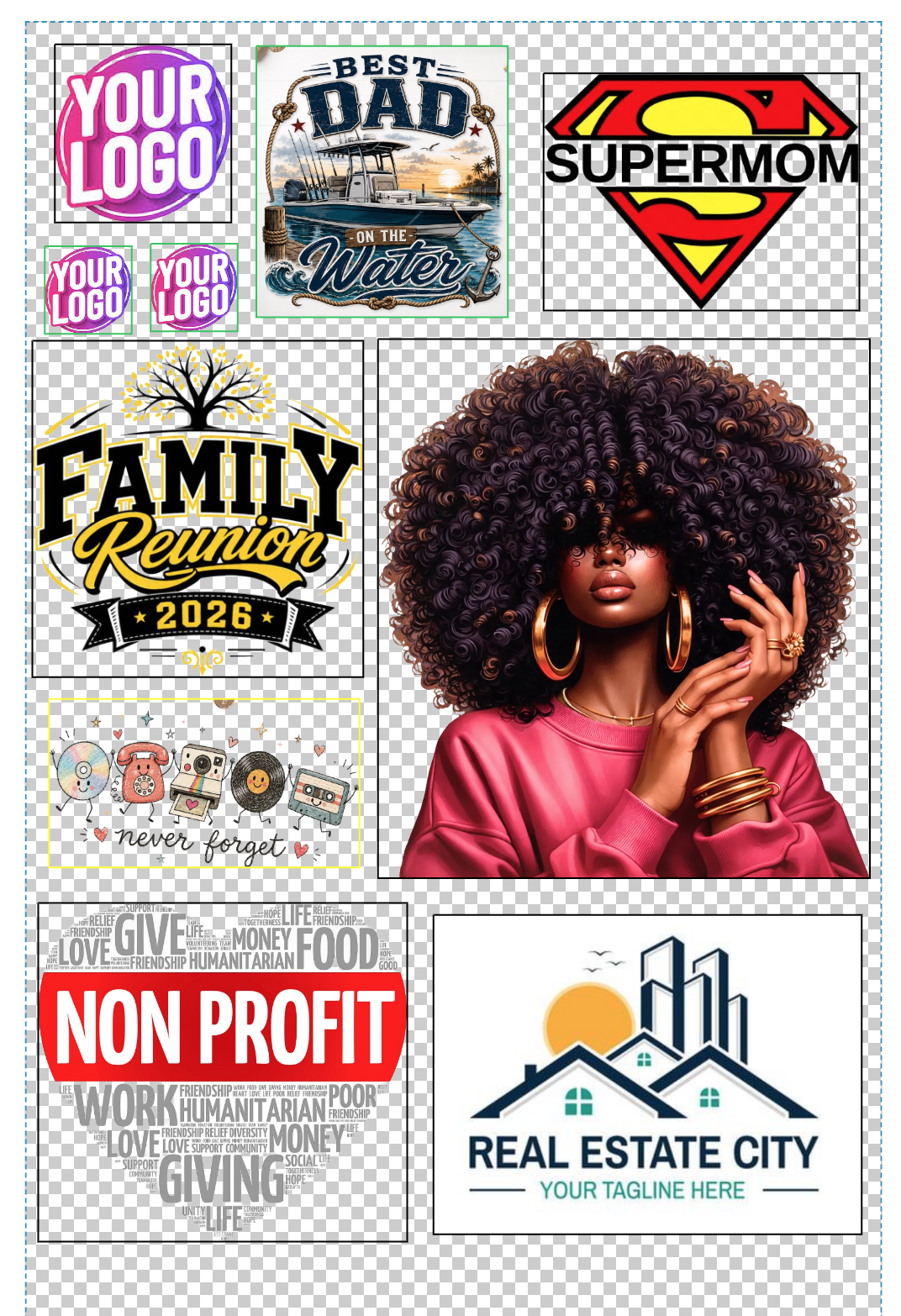 Upload your artwork and position each design on the sheet just as demonstrated in the tutorial video.
Important: Each design will print at the exact size you place it on the gang sheet, so be sure to verify your dimensions before submitting your order.
Please Note: 
Use the Remove BG tool to automatically remove the background from your design, ensuring it prints cleanly without the background.

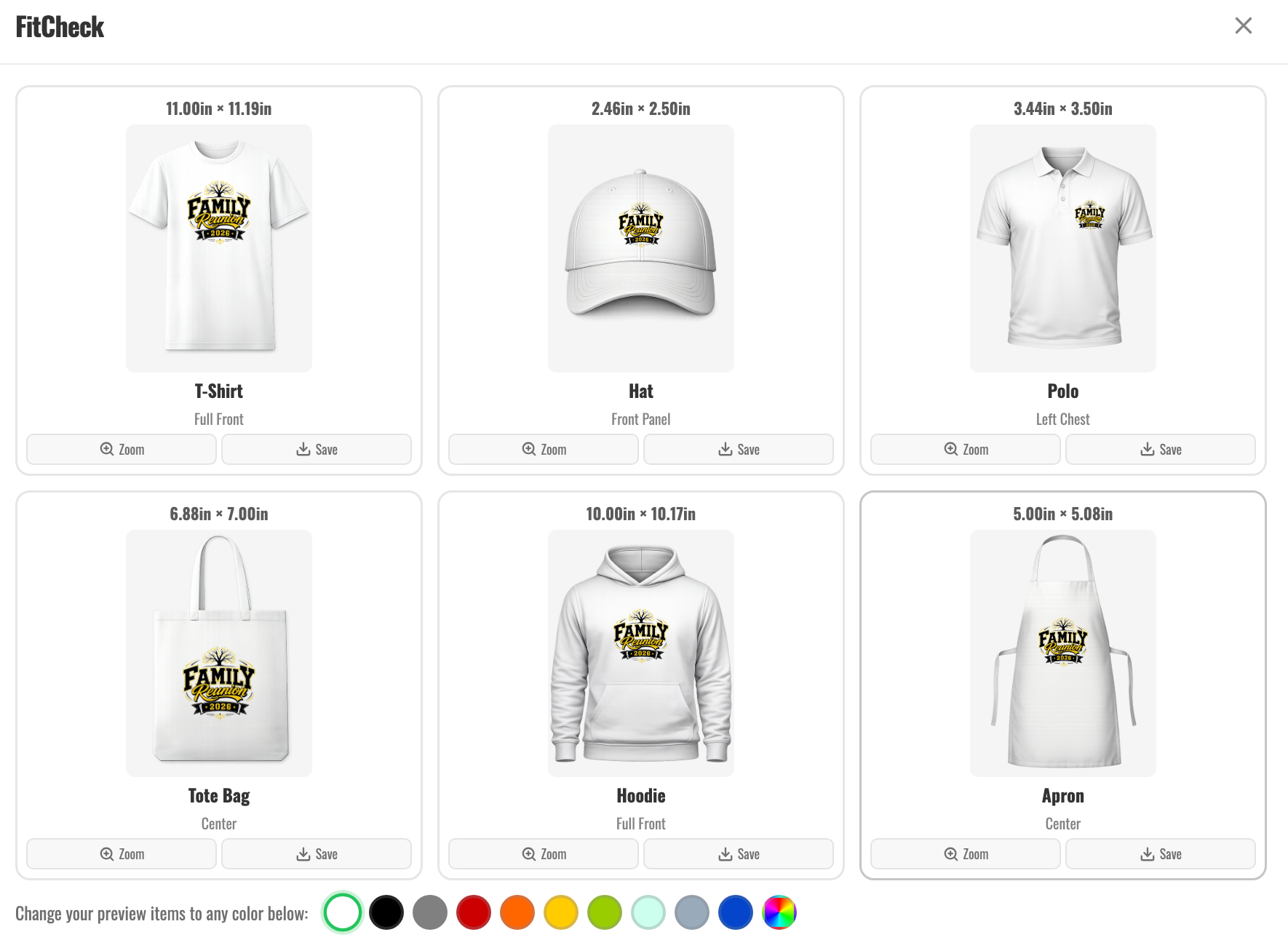
See what a design will look like on a T-Shirt, Cap, Bag, Hoodie, or Polo
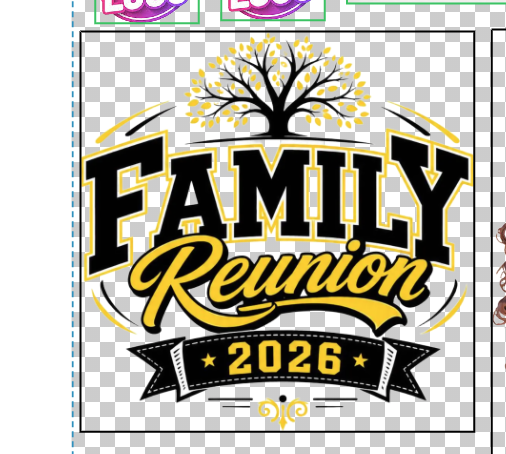
Select a design from your sheet and click FitCheck. A preview window will open, allowing you to see how your design will look on a variety of apparel items.
When all designs have been added to your sheet:

- Click “Save & Add to Cart.”
- Choose your preferred delivery method (Shipping or Local Pickup).
- Enter your contact and payment information.
- Complete the checkout process.
Fast Turnaround
Once your order is received, we will process your DTF transfer sheets and have them ready for pickup or shipping within 24 hours.
Thank you for choosing DMV Flyer Printing. We appreciate your business and look forward to helping bring your designs to life!
